3 Ways to Use Instagram to Book More Clients
By the StyleSeat Editorial Team · Last updated September 2, 2026
You posted the knotless set on Sunday night. By Monday it has saves, a couple of shares, and nine DMs — and seven of those DMs are some version of the same three questions. How much. Do you do this length. How do I book.
You answer them between clients, one thumb, color on your gloves. By Thursday two of the seven have gone quiet and one has booked with somebody else.
That is not an Instagram problem. Your Instagram worked — it did exactly what it is for. The gap is in the ninety seconds between someone wanting the thing and someone being able to book the thing, and that gap is closeable in one evening. Here are four ways to close it: three you may already be halfway to, and one that answers the DMs while you are working.
1. Share your StyleSeat assets and stickers
StyleSeat builds promotional graphics for your page, with the caption and hashtags already written, so a promo post does not have to become a design project at the end of a ten-hour day.
Open Edit Profile and choose Promote Profile. Tap the graphic to send it to the channel you want. To use the caption that comes with it, press and hold the paragraph to copy, then paste it into your post and edit the parts that do not sound like you.
There are StyleSeat stickers for Stories, too. In the Story edit screen, tap the square smiley icon and type StyleSeat into the search bar to pull up the set.
2. Put a booking link in your bio — and make it a service link
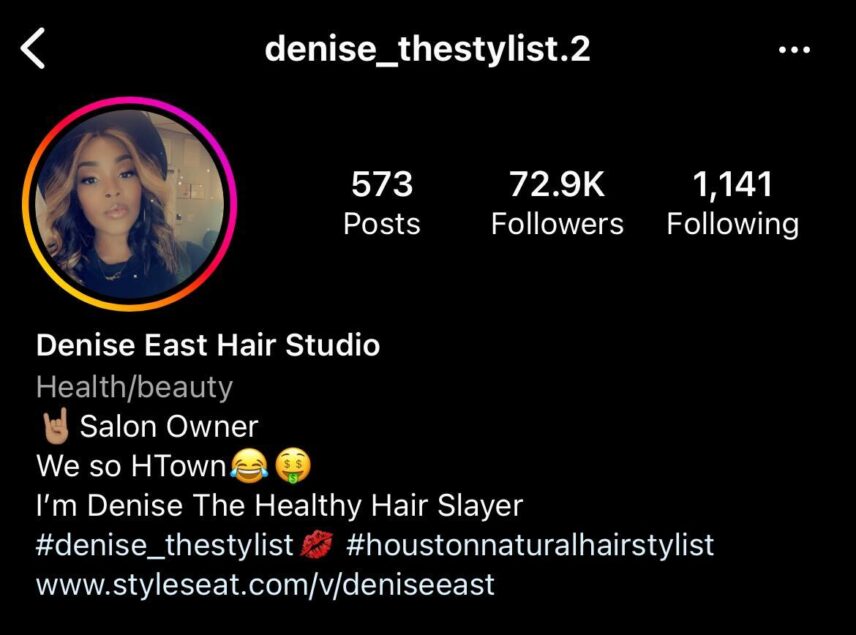
The Book button catches the people who are ready. Plenty of others go looking for a link in the bio first, because they want to read the price and see more of your work before they commit to anything. Give them somewhere to land: open Instagram, tap Edit Profile, and paste your StyleSeat link into the website field.
One change is worth the two minutes it takes. A link to your profile drops her into your whole menu — a bridal updo, two silk presses, a set of knotless braids — and asks her to work out which line matches the photo she liked. A service booking link drops her on one service, with that service’s photos, its reviews, its price and your live calendar. Same tap, far fewer decisions.
3. Set up an auto-reply so your DMs answer themselves
Back to those seven DMs. Answering them is not hard. It is relentless, and it always arrives while you are mid-section on somebody’s head. So hand the first reply to an auto-reply and keep the conversation for yourself.
It helps to know that there are two different layers here, because they live in two different places.
Inside the Instagram app, a professional account can set an automatic reply that goes out the first time somebody messages you, along with saved replies you can fire with a shortcut and a short row of FAQ buttons on the message thread. That is already enough to answer “how much” and “do you do this length” without typing a word.
The comment trigger — the “comment RETWIST and I’ll send you the link” move you have seen other people run — is not in the Instagram app. Meta Business Suite does it free from a desktop browser, usually one keyword per automation, and a handful of paid third-party tools do more of it for a monthly fee. Worth knowing before you go hunting through your phone settings for a button that is not there.
Whichever layer you use, the thing it sends matters more than the automation does. Send the service link, not your profile. You copy it yourself from Marketing Suite → Booking Links → Service links in the StyleSeat app; a service needs at least one photo tagged to it before its link is shareable, which is a one-evening job you do once.
| What the DM says | What the auto-reply sends | Why she books |
|---|---|---|
| “How much for this?” | The link for that one service | She reads the price on the same page that can take the appointment |
| “Do you do this on my hair?” | That service’s link, plus one line in your own words | The photos tagged to the service answer it better than you can type it one-handed |
| “How do I book?” | The link, and nothing else | No decisions left to make |
One warning, because this is where auto-replies go wrong. A message that only ever fires a link reads like a bot, and people can tell in one line. Keep it to two sentences, write it the way you actually talk, and end on an opening — “that’s the link for a retwist, and if you’re not sure which one you need, tell me what your hair’s doing and I’ll point you.” The automation is there to buy back the forty repeat answers a week. It is not there to replace the part where you are the reason she picked you.
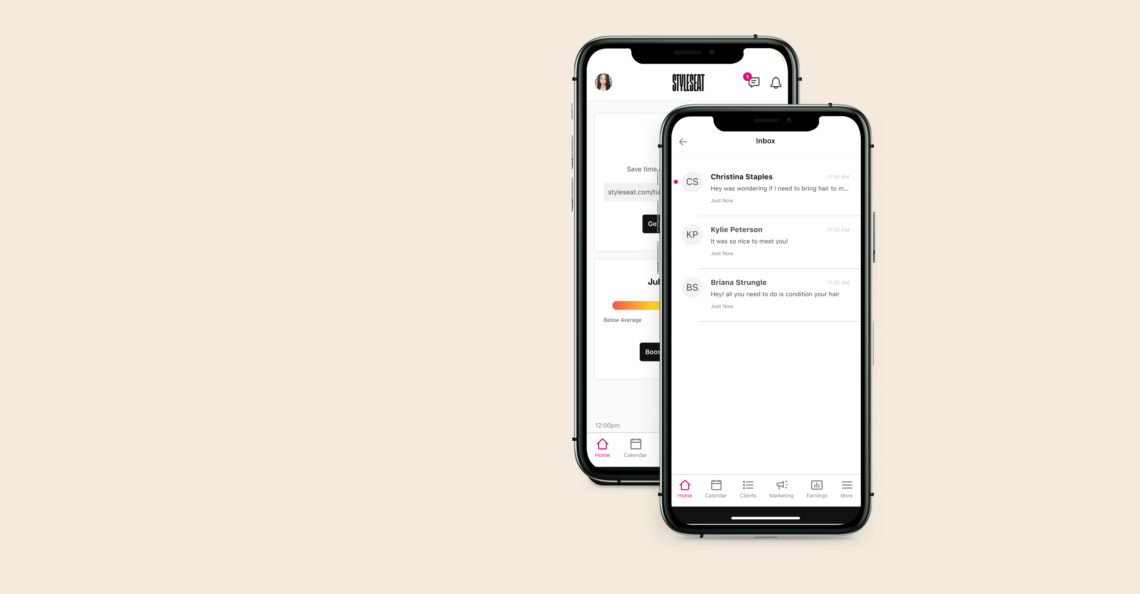
And keep the two inboxes straight in your head: this is Instagram’s messaging, running on Instagram’s rules. Your StyleSeat inbox is where the conversation continues once she has booked, without either of you handing over a personal number.
The ninety seconds, not the algorithm
None of the four is about posting more. You already post. You already do the hard part twice — once in the chair, and again at 9pm when you pick the photo and get the lighting right.
What is left is ninety seconds of translation between a stranger liking your work and a stranger being able to sit in your chair, and it is the cheapest thing on your whole to-do list to fix. A button at the top, a service link in the bio, a caption that points at both, and one auto-reply doing the first pass on your DMs. Then the next set you post on a Sunday night can turn itself into a Thursday afternoon.
Want the booking links, the marketing tools and a marketplace of clients already searching? StyleSeat is normally $35 a month, and there is a promotion running at $19. See what you get.
Frequently asked questions
Can Instagram send an automatic DM when someone comments on my post?
Not from inside the Instagram app. Comment-triggered DMs run through Meta Business Suite, which is free and works from a desktop browser, or through a paid third-party tool. The Instagram app itself does cover automatic replies to first-time messages, saved replies and FAQ buttons on a professional account.
What should the auto-reply actually send?
A booking link for the one service she asked about, rather than a link to your whole profile. In StyleSeat you copy it from Marketing Suite → Booking Links → Service links, and each service needs at least one photo tagged to it before its link can be shared.
Will an auto-reply make me look impersonal?
Only if you let it do the talking. Two sentences in your own voice, ending with an invitation to reply, reads as organized rather than automated. The link answers the price-and-availability question; you still answer the one about her hair.
Do Instagram DMs use my StyleSeat text credits?
No. Instagram DMs are Instagram’s messaging and cost you nothing on StyleSeat. StyleSeat’s own client messaging and appointment reminders are separate, and reminders and booking confirmations are included in your subscription.
Related resources
Find a pro near you
Book the looks you are reading about — top-rated pros in your city.