Do I Have to Use StyleSeat Payments? What’s Required
By Olori Swank· Last updated October 8, 2026
Some of your clients have paid you in cash for ten years. A few still bring a check. So when you hear StyleSeat “makes you” run payments through the app, it sounds like a big change.
It isn’t. Here’s what’s actually required, and what’s up to you.
The short answer: No, you don’t have to run every payment through StyleSeat. Regular appointments can be paid in cash, by check or any other way. StyleSeat Payments is required only for New Client Connection first visits, Smart Pricing appointments, deposits and a no-show policy.
What you can take outside StyleSeat
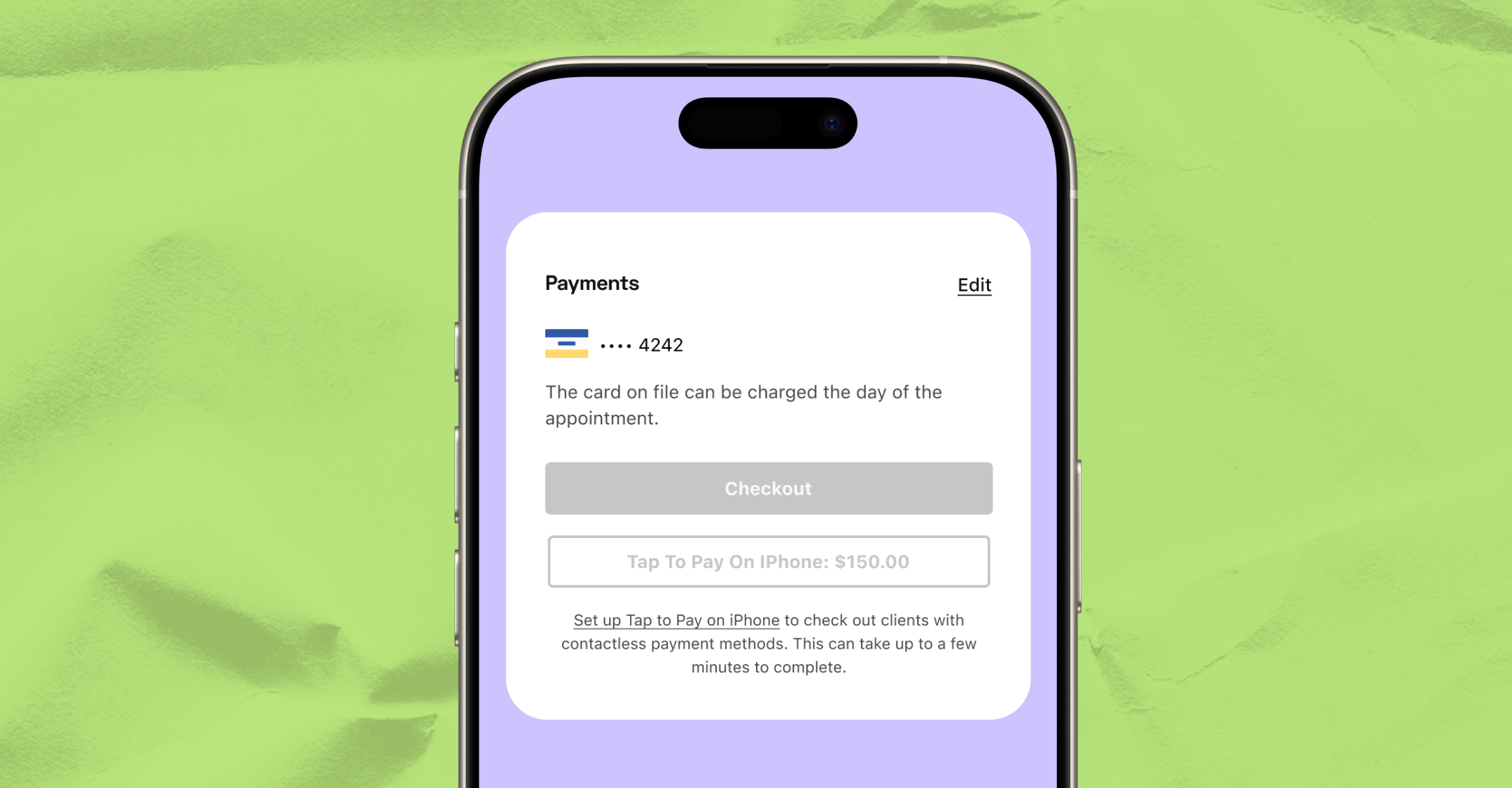
For a regular appointment, your client can pay you however you both like. Cash, check and other methods all work. You check the appointment out, and StyleSeat doesn’t charge a processing fee on money it didn’t process.
That’s the key point. StyleSeat’s card processing fee applies only to payments you take through StyleSeat.
When StyleSeat Payments is required
Four features need StyleSeat Payments turned on. Each one charges a card, either upfront or after the service.
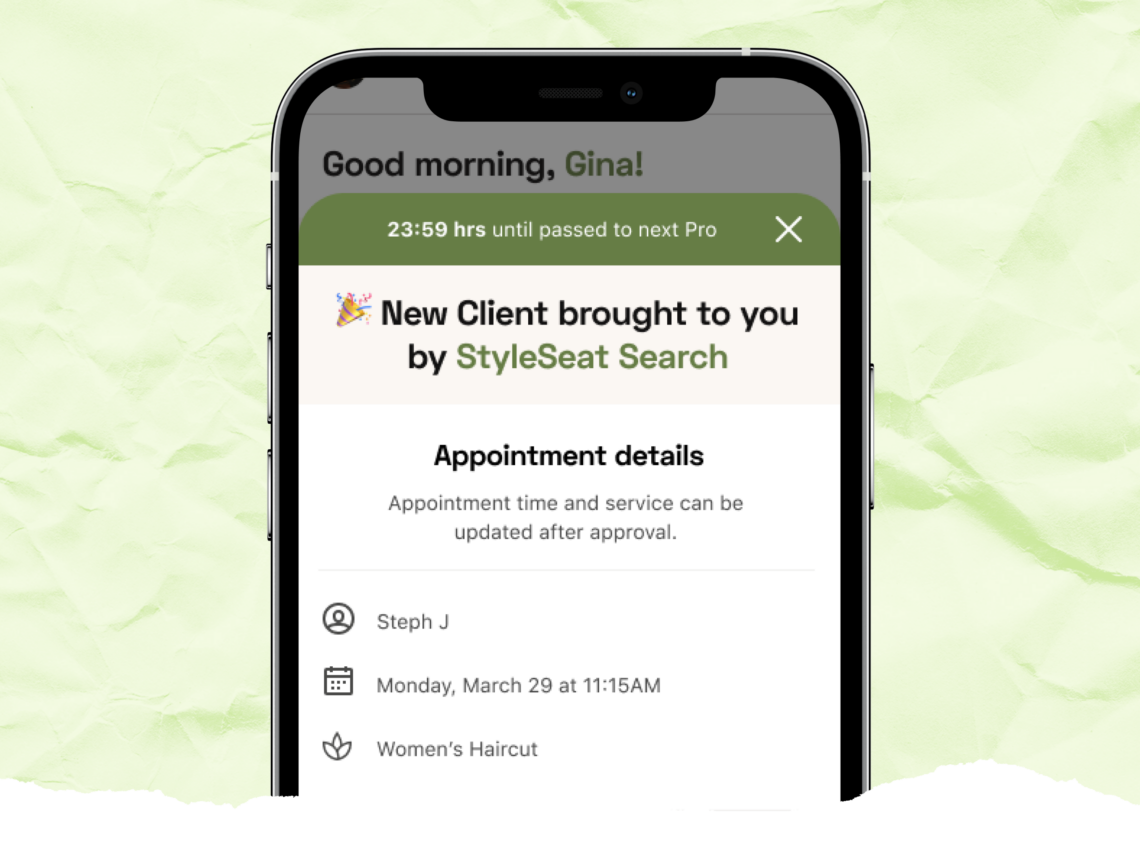
- New Client Connection first visits. A new marketplace client’s first appointment is paid through StyleSeat. That’s how the one-time fee is collected after the service.
- Smart Pricing appointments. Slots booked at a Smart Pricing rate are paid through StyleSeat.
- Deposits. A deposit is charged to the client’s card when they book.
- No-show and late-cancel policy. To charge a no-show or late-cancel fee, you need StyleSeat Payments turned on.
After a New Client Connection client’s first visit, you’re back to your choice. Their later visits can be paid however you like.
What it costs when you do use it
| How the client pays | StyleSeat processing fee | On a $90 service |
|---|---|---|
| Tap to Pay or card reader | 2.5% + 30¢ | $2.55 |
| Card on file | 2.6% + 30¢ | $2.64 |
| Cash, check or another method outside StyleSeat | None | $0 |
Payments run through Stripe. To get paid, you connect your bank account in the app. Connecting your bank also turns on email and text marketing in the marketing tools.
Why some pros run everything through StyleSeat anyway
You don’t have to. But there are reasons pros do:
- Cards on file. A client’s card is already saved, so checkout takes seconds.
- Protection. Deposits and a no-show policy only work through StyleSeat Payments.
- More ways to pay. Clients can use Apple Pay, Google Pay, Tap to Pay, a card reader or Klarna in four installments.
- One record. Your revenue and earnings reports show everything in one place.
If you mostly take cash, you can still turn Payments on for deposits and your no-show policy.
What this means for you
- Your cash clients can keep paying in cash.
- Processing fees apply only to payments you take through StyleSeat.
- New Client Connection, Smart Pricing, deposits and no-show fees need StyleSeat Payments.
Questions pros ask about StyleSeat Payments
Do I have to use StyleSeat Payments?
Not for regular appointments. You can take cash, checks or other payments. StyleSeat Payments is required for New Client Connection first visits, Smart Pricing appointments, deposits and no-show fees.
Can I accept cash on StyleSeat?
Yes. Clients can pay cash for regular appointments, and StyleSeat charges no processing fee on payments it doesn’t process.
Does StyleSeat charge a fee on cash payments?
No. StyleSeat’s processing fee applies only to card payments taken through StyleSeat.
Every StyleSeat fee, explained: StyleSeat Fees Explained: 10 Myths and What You Actually Pay. For the processing rates in detail, see StyleSeat processing fees.
Run it your way
Keep the cash drawer. Use cards where they help you. StyleSeat is $35 a month, and right now there’s a promotion at $19. Start your 21-day free trial.
Find a pro near you
Book the looks you are reading about — top-rated pros in your city.