How to Accept Credit Card Payments Online as an Independent Pro

Last updated October 24, 2026 · By StyleSeat Editorial Team
You send a deposit request through three different apps before a new client actually books. One for the invoice. One to send a reminder. One to actually collect the money. By the time she pays, you’ve spent more time on the request than the appointment itself will take.
Going independent means you’re your own accounts department now, too. Accepting cards online shouldn’t require a system held together with duct tape.
Short version
- You don’t need a merchant account with a bank to accept cards online as a solo pro.
- Card-not-present payments, like deposits and online invoices, typically process at a slightly higher rate than in-person taps.
- Look for a processor with booking, deposits, and reminders built into one platform, not three separate apps.
- StyleSeat’s card-not-present rate is 2.6% + $0.30, with card-present transactions at 2.5% + $0.30.
What “online” really means for a solo pro
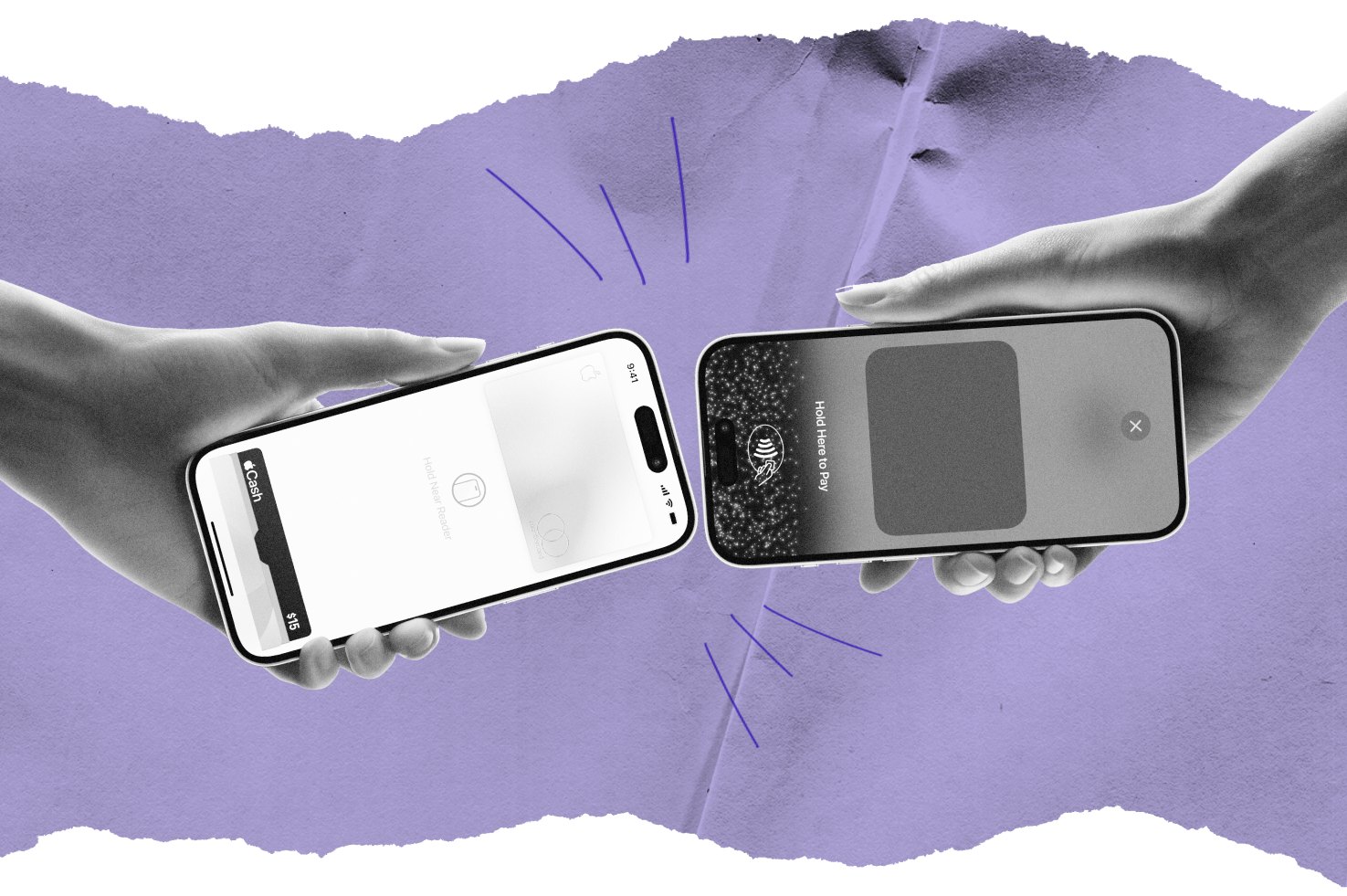
Accepting cards online doesn’t mean building a storefront. For most independent pros, it means three things. Deposits collected before a new client’s first visit. Pay-by-link invoices for add-ons. Prepay for larger services like extensions or color correction.
Each one solves a real problem. Deposits cut down on no-shows. Invoices handle the odd add-on without an awkward in-chair renegotiation. Prepay protects your time on services that take hours to complete.
What to look for in a processor
Not every payment tool is built for a service business. Here’s what actually matters when you’re comparing options.
| Feature | Why it matters |
|---|---|
| PCI compliance built in | Protects client card data without extra work on your end |
| Fast payout timing | Keeps your cash flow steady instead of waiting days for a deposit to clear |
| Booking link attached to payment | Clients pay in the same place they already book |
| Transparent per-transaction pricing | Avoids surprise fees buried in monthly statements |
The part no processor can touch
A processor can collect a deposit. It can’t tell you that a client’s hair needs two sessions instead of one. It won’t know a color correction has to happen slowly to protect the strand. That read comes from you, built through years of consultations that taught you what a quote actually needs to cover.
Where StyleSeat fits in
StyleSeat handles online payments at 2.6% + $0.30 for card-not-present transactions. In-person, card-present transactions run 2.5% + $0.30. Deposits, invoices, booking, and reminders live in the same $35-a-month subscription, currently $19 a month during StyleSeat’s running promotion.
That subscription also puts you on StyleSeat’s marketplace, which sees more than 74 million visits a year. Over 2 million clients are actively searching for someone like you. One system, instead of three apps stitched together.
FAQ
Do I need a business bank account to accept credit cards online?
Not necessarily. A payment processor built for small businesses can deposit directly into a personal account. A separate business account is often cleaner for taxes, though.
What’s the difference between card-present and card-not-present rates?
Card-present means the client’s card was physically tapped, inserted, or swiped in front of you. Card-not-present covers online deposits and invoices, which typically carry a slightly higher rate.
How do online deposits protect against no-shows?
A client who’s already paid part of the cost has a real reason to show up. It also gives you something to apply toward lost time if they don’t.
Can I accept cards online without a separate invoicing app?
Yes, if your booking platform includes payment processing. That keeps deposits, invoices, and appointment records in one place.
Getting paid online shouldn’t feel like a second job stacked on top of your actual one. Set it up once, and the money starts taking care of itself. That leaves more room for the work you actually signed up to do.
Find a pro near you
Book the looks you are reading about — top-rated pros in your city.